
Purchase Guide
Enter
s.teamin your browser to be redirected to the Steam website. Make sure the domain isstore.staempowered.com.Click the login button in the upper right corner, then click "Register Account" below. Enter your email address (outlook is recommended), select China as your country, complete the human verification, and complete the email verification; enter your username and password; download the Steam client and log in to your account (you can bind your mobile Steam account if needed).
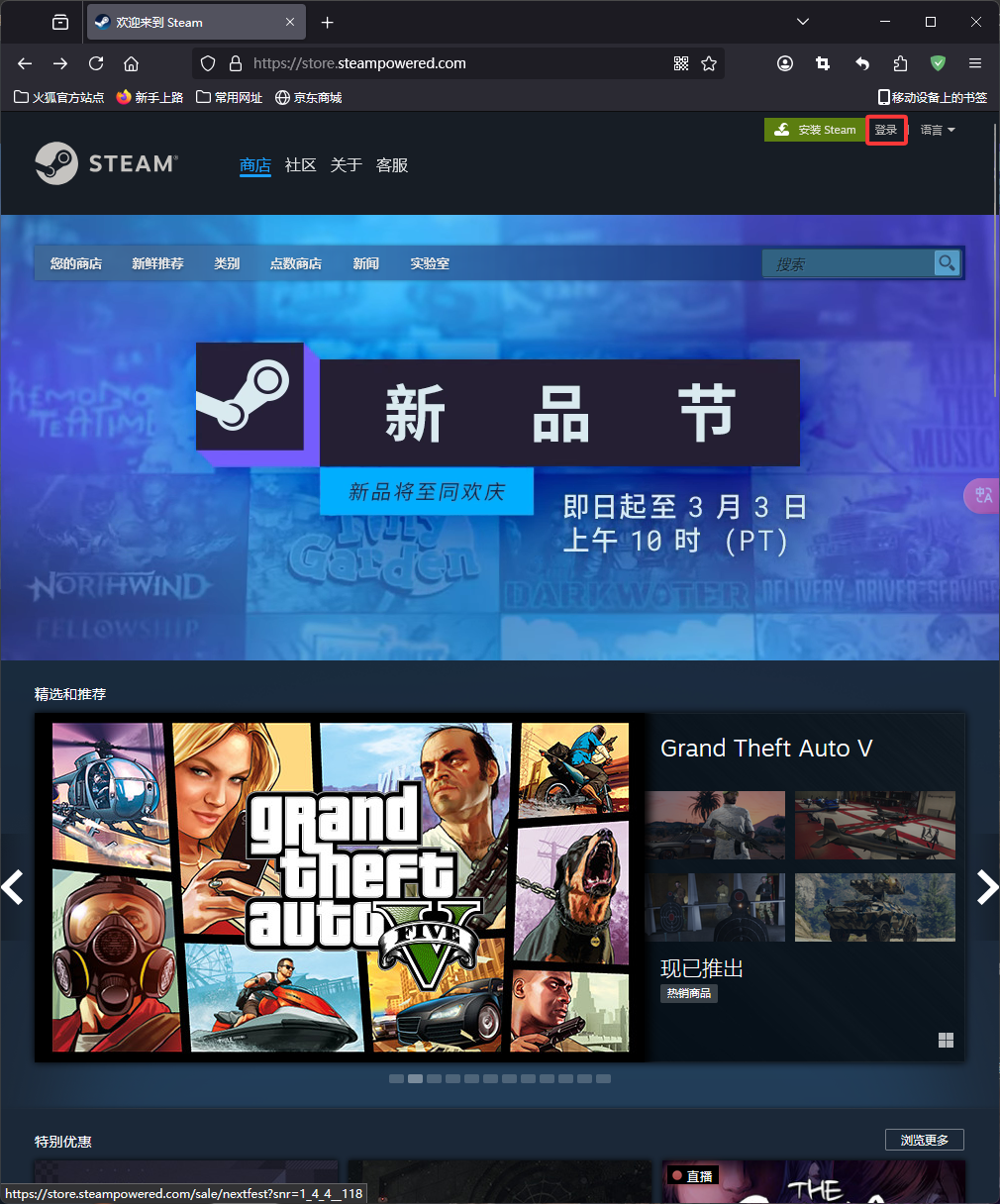
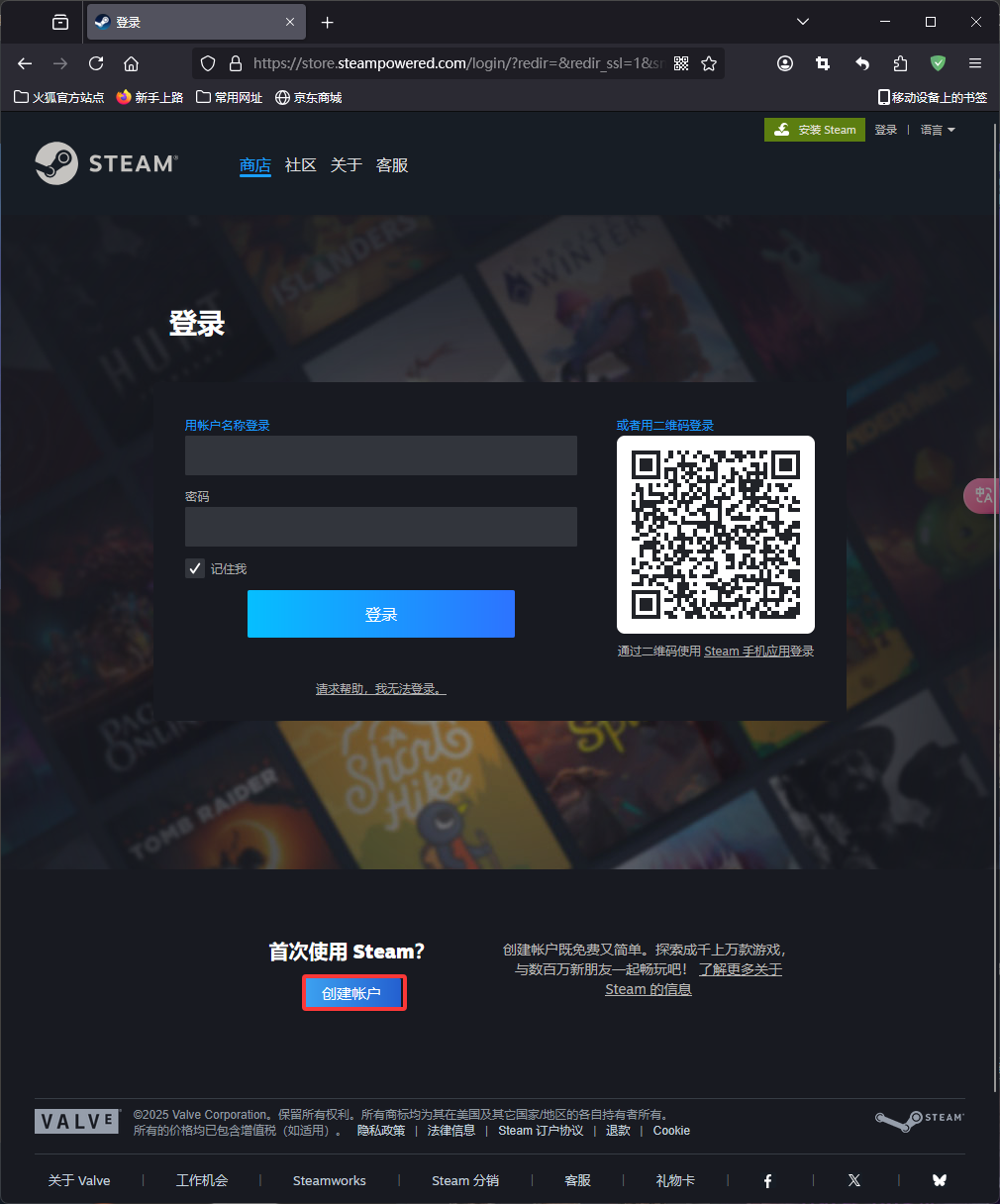
Enter
Eueo Truck Simulator 2in the search bar to purchase. Payment methods include Alipay and WeChat.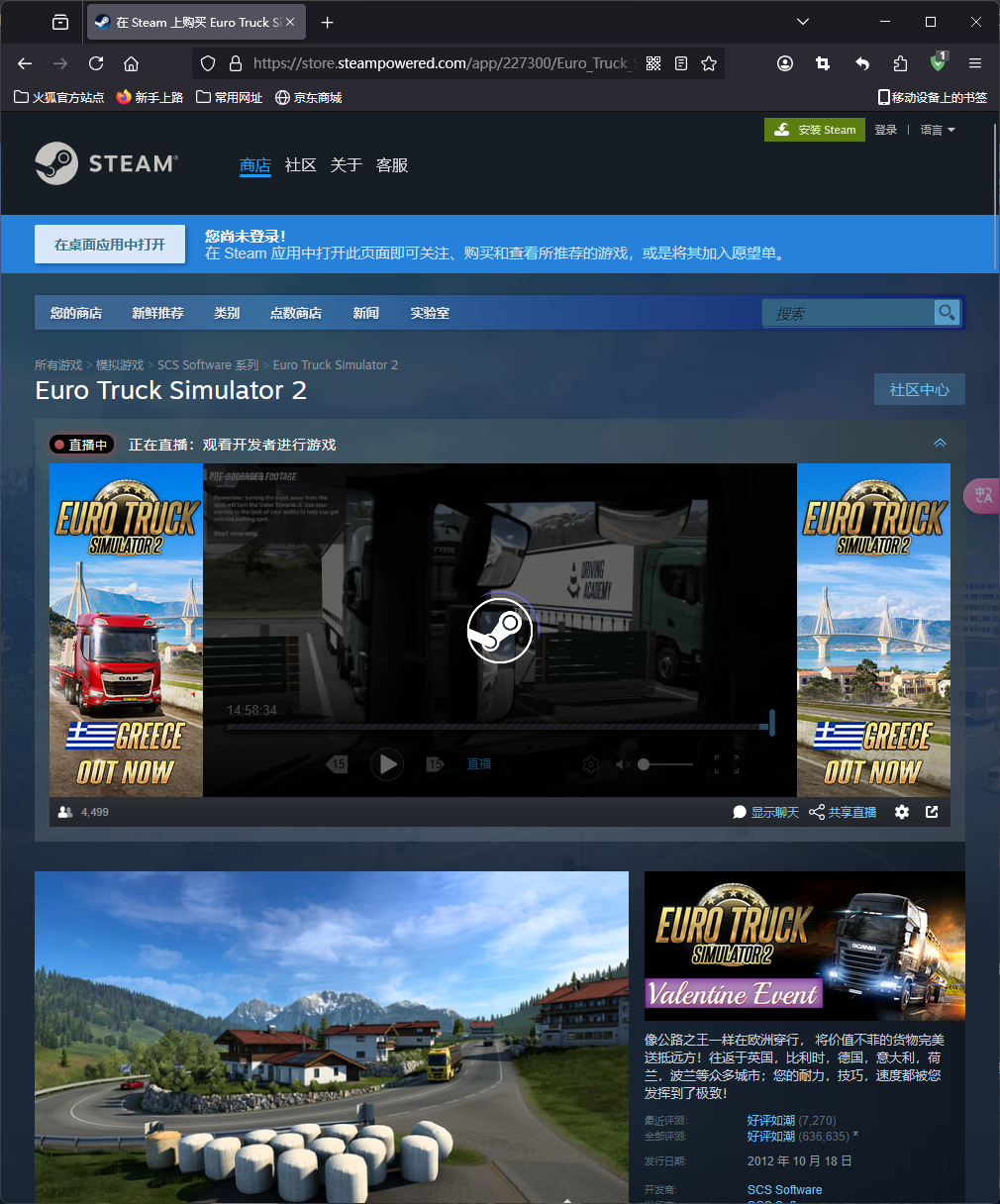
Wait for the game to finish downloading (you need to manually click "Download Game"; Steam will not automatically download the game you just purchased).
Enter the game and create a new save file (if you need to modify the save information, you need to cancel Steam Cloud Saves; you can cancel it later. The Euro Truck Simulator save path is ~\document\Euro Truck Simulator 2\profiles, and each folder inside is a save file).
Then click "Start Game" to play normally.